Add a Single Image to Retail Item in Retail item view
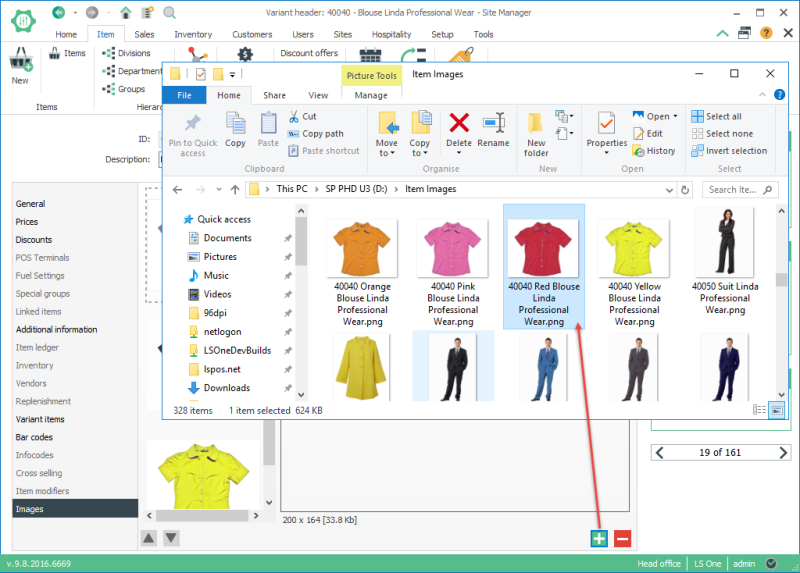
Selecting this option allows you to import one image directly into the retail item view. The image file name is not important with this method.
Step by step, import images through Retail item view
With this method you can only import one image at a time. This is handy if you only need to change one image. In this version the resizing and compressing options are not available using this import method.
- Save your image with any name, formatted in .jpg or .png.
- Go to Site Manager > Retail > Retail items > Retail items > Select retail item > Click on Image tab
- Click on the
 button.
 - Select image file.
- Click on Save.
- Restart the POS to view changes.
| Updated: | 24th October 2016 |
| Version: | LS One 2016.1 |

